In my previous post, we looked at how to move heavy third-party scripts from performance bottlenecks to background tasks using native WordPress script strategies and requestIdleCallback.
Treating third-party scripts like guests who arrive only when the host is ready is a great baseline. But as web vitals shift their focus heavily toward user experience metrics like Interaction to Next Paint (INP), even waiting for an “idle” browser isn’t always enough.
If a browser goes idle after two seconds and suddenly decides to download and parse 200kb of tracking or chat JavaScript right as a mobile user attempts to tap your navigation menu, that main thread is going to lock up.
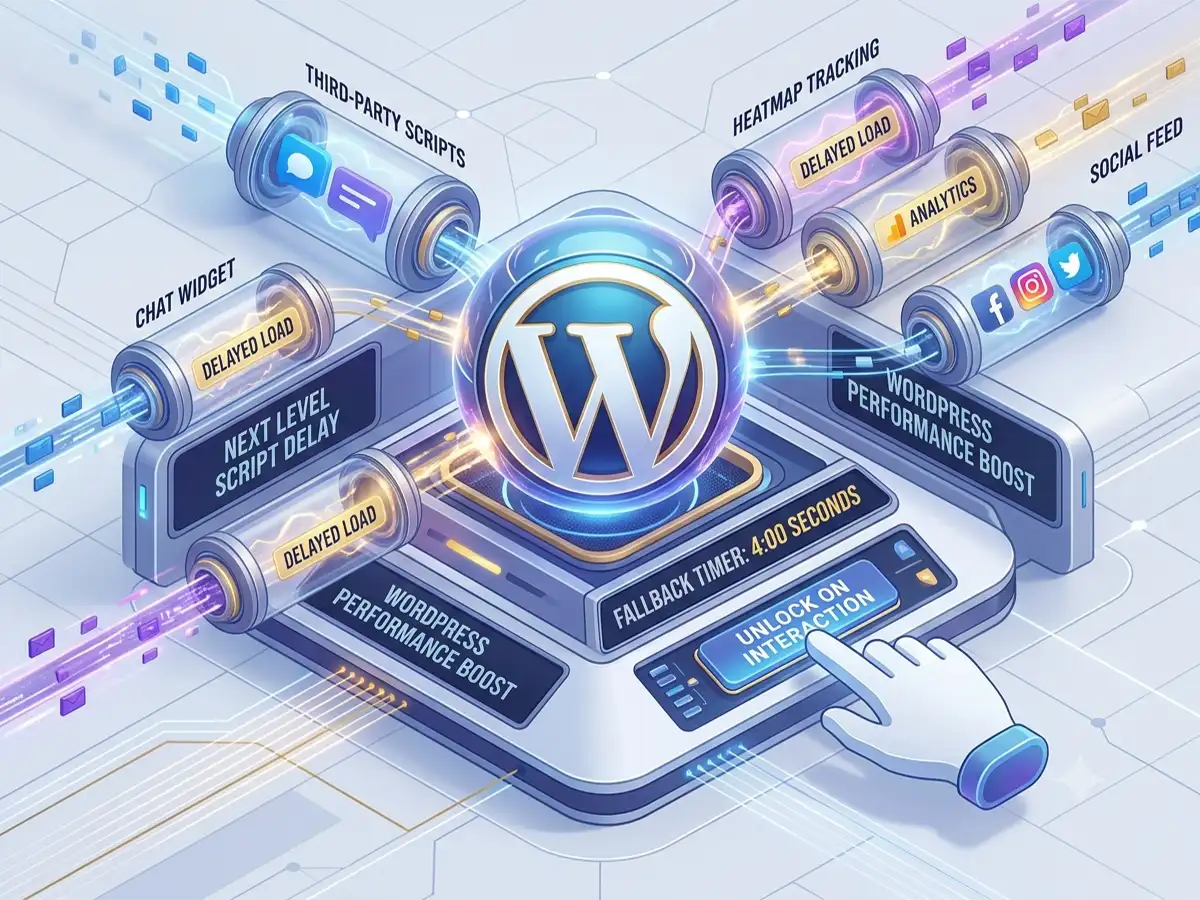
To achieve true performance isolation, we need to shift our thinking from time-based loading to intent-based loading. Let’s look at how to delay script execution until a real user actually interacts with the page.
Beyond Idle: Waiting for Real Interaction
Premium performance plugins like WP Rocket or Perfmatters use a powerful technique: they completely block heavy tracking and chat scripts from loading until the user moves their mouse, touches the screen, scrolls, or presses a key. If a bot scrapes the page, or if a user bounces instantly, the script never costs a single byte of data.
While this works incredibly well for live chat widgets, it is especially critical for behavior analytics, heatmaps, and user session recorders. These scripts are notorious main-thread hogs because they constantly monitor DOM changes and user movements.
The beautiful irony? You don’t actually need to track a user who hasn’t interacted with your page yet. The moment they scroll or move their cursor, they create the exact behavior you want to analyze, and that is the exact millisecond we inject the tracking logic.
The Interaction-Driven Loader
To make this production-ready, we need to listen for the core user events: scroll, mousemove, touchstart, and keydown.
A common point of confusion is why we wrap these listeners in a window.addEventListener('load', ...) block. Since we are waiting for user interaction, we technically don’t need the page to finish loading to register these listeners. However, we keep the wrap to handle our fallback timer. If the user never interacts with the page, we still want to load these scripts after 4 seconds to ensure the functionality (like for a chat widget) which eventually becomes available.
Here is how we can structure this cleanly using a grouped event approach:
( function () {
    'use strict';

    /**
     * Placeholder function to represent your heavy third-party script.
     * Replace this with your actual Chat or Heatmap initialization.
     */
    const initThirdPartyServices = function () {
        // Double-check initialization to prevent multiple executions
        if ( window.my_third_party_initialized ) {
            return;
        }

        console.log( 'Loading third-party services...' );

        // --- YOUR SCRIPT INITIALIZATION CODE GOES HERE ---

        window.my_third_party_initialized = true;
    };

    /**
     * Scheduling the load based on first user interaction or fallback timeout.
     */
    window.addEventListener( 'load', function () {
        const interactionEvents = [
            'mousemove',
            'scroll',
            'keydown',
            'touchstart',
        ];

        let fallbackTimeout;

        function triggerLoad() {
            // Cancel the fallback timer if the user beats the clock
            clearTimeout( fallbackTimeout );

            // Remove all interaction listeners so this only runs once
            interactionEvents.forEach( function ( event ) {
                window.removeEventListener( event, triggerLoad );
            } );

            initThirdPartyServices();
        }

        // Trigger on first user interaction using { once: true }
        interactionEvents.forEach( function ( event ) {
            window.addEventListener( event, triggerLoad, {
                once: true,
                passive: true,
            } );
        } );

        // Fallback: load after 4 seconds regardless.
        fallbackTimeout = setTimeout( triggerLoad, 4000 );
    } );
} )();
Why This Approach Wins
- Zero TBT and Perfect INP: Because the initial JavaScript execution budget for these heavy services drops to zero during the critical page load window, your main thread stays completely free to handle rendering and layout related things.
- Efficiency through
once:By utilizing theonce: trueoption in our event listeners, the browser automatically cleans up the event binding the millisecond the first interaction happens, removing the need for manual cleanup code. - Passive Performance: Using
{ passive: true }signals to the browser that these listeners won’t callpreventDefault(), ensuring that scrolling remains completely fluid.
A Reminder on Foundational Optimization
Before jumping into advanced delay strategies, always ensure your script enqueuing is optimized at the WordPress level. As I covered in my previous post on third-party script optimization, the “first level of optimization” is still essential. Even when delaying execution, you should register your scripts with proper WordPress attributes:
wp_register_script(
    'your-third-party-script',
    $url,
    array(),
    $version,
    array(
        'in_footer'     => true,
        'strategy'      => 'defer',
        'fetchpriority' => 'low',
    )
);
By combining this foundational WordPress enqueueing with interaction-based delay, you turn heavy third-party dependencies from a performance liability into a seamless, “just-in-time” utility that your users won’t even notice.