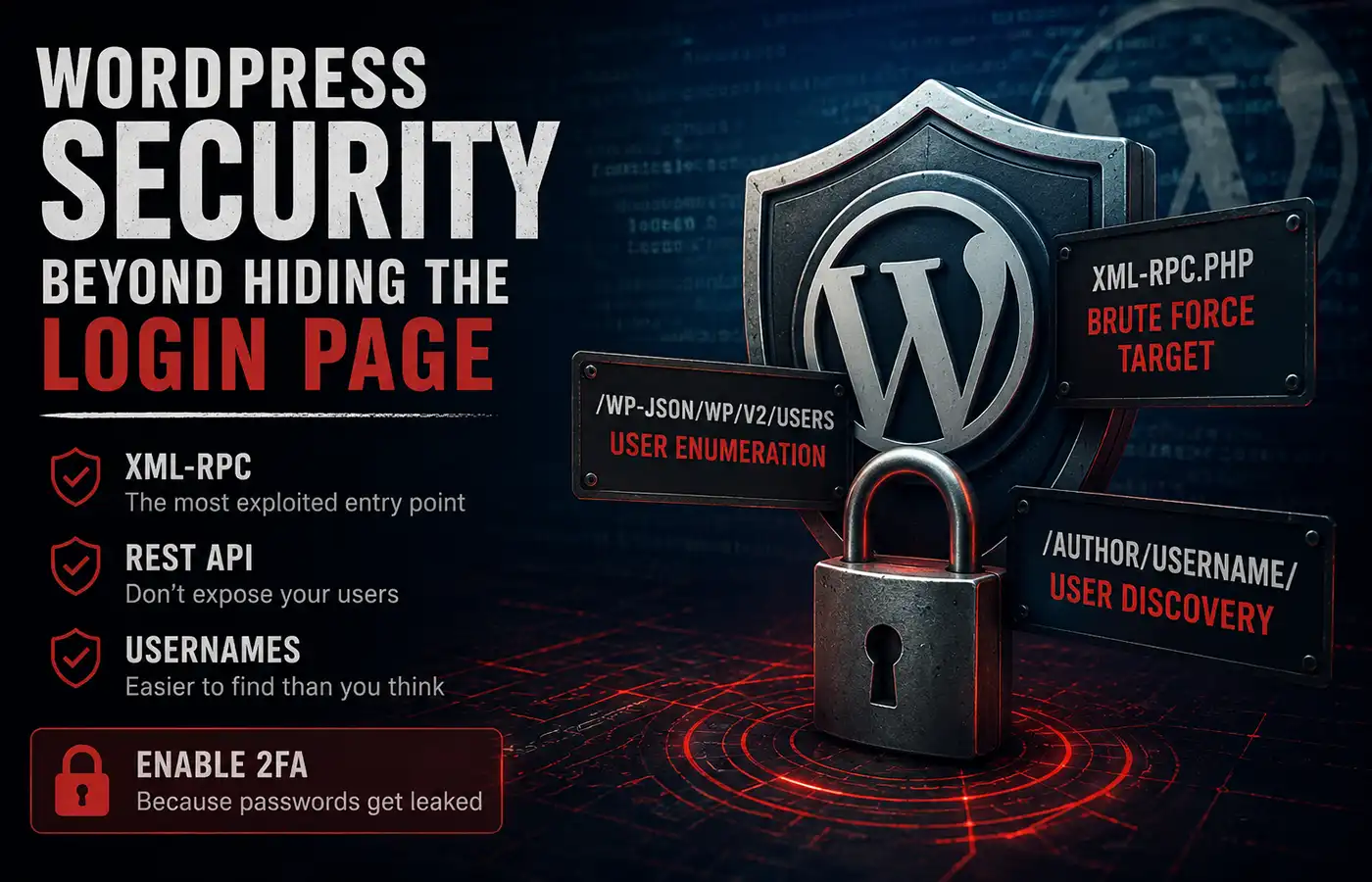
Hiding the WordPress login page has become a common hardening technique. It reduces noise in your logs and stops bots from hammering wp-login.php all day long.
The problem is that wp-login.php is not the only authentication entry point in WordPress.
While investigating a series of brute-force attempts recently, I noticed something interesting. Every login attempt was being logged as:
- Login URL: Not found
- Failed login attempt
- User-Agent:
Jetpack by WordPress.com
The user agent turned out to be nothing more than a spoofed header. The real culprit was XML-RPC.
The most common attacks against WordPress
If your WordPress site is publicly accessible, it will almost certainly be scanned by bots. The most common attacks are:
- Credential stuffing using leaked username/password combinations
- Brute-force password guessing
- Automated scans looking for vulnerable plugins or themes
- User enumeration to discover valid usernames
Most of these happen continuously. They are simply part of running a public website.
Fortunately, there are a few simple steps that remove some of the easiest attack vectors.
XML-RPC is still a favourite target
XML-RPC is a legacy remote communication interface that allows external applications to interact with WordPress.
Historically it was used for:
- remote publishing
- the WordPress mobile app
- Jetpack features
- pingbacks and trackbacks
For modern websites, many of these use cases have been replaced by the REST API.
Unfortunately, XML-RPC is also a popular target for brute-force attacks because it provides authentication methods without going through wp-login.php. Even if you hide your login page, attackers can still attempt authentication through XML-RPC if it is enabled.
If your site doesn’t rely on XML-RPC, the simplest solution is to disable it completely.
add_filter( 'xmlrpc_enabled', '__return_false' );
One line removes an entire authentication surface.
Don’t expose your users through the REST API
Another common reconnaissance technique is user enumeration.
By default, many WordPress sites expose users through:
/wp-json/wp/v2/users
If that endpoint is publicly accessible, an attacker can build a list of valid usernames before attempting a brute-force attack.
Removing this endpoint makes automated attacks less effective because bots have to guess usernames instead of receiving them from the API.
A simple way to remove the users endpoint is:
add_filter(
	'rest_endpoints',
	static function ( $endpoints ) {
		unset( $endpoints['/wp/v2/users'] );
		unset( $endpoints['/wp/v2/users/(?P<id>[\d]+)'] );

		return $endpoints;
	}
);
If your site genuinely needs these endpoints, consider limiting them to authenticated users instead of exposing them publicly.
User archives expose usernames too
Even after disabling the REST endpoint, usernames can still be discovered.
For example, author archive URLs typically look like:
https://example.com/author/johnsmith/
That johnsmith slug often matches the WordPress username or provides a very good clue.
If your website doesn’t need public author archives, consider disabling them or changing how author information is presented.
Security isn’t about relying on a single measure. It is about reducing the number of places where useful information is exposed.
The best protection is still two-factor authentication
Even with:
- a hidden login page,
- XML-RPC disabled,
- REST user enumeration removed,
passwords can still be leaked elsewhere.
A reused password from another service is all an attacker needs for a credential stuffing attack.
That is why two-factor authentication is one of the most valuable security improvements you can make.
I strongly recommend using WP 2FA. Even if someone manages to obtain a valid password, they still cannot log in without the second authentication factor.
Security is about layers
No single change makes a WordPress site secure.
Instead, combine multiple layers:
- Keep WordPress core, themes and plugins updated.
- Remove unused plugins and themes.
- Hide or protect the login page.
- Disable XML-RPC if you don’t use it.
- Don’t expose user enumeration through the REST API.
- Consider whether author archives are necessary.
- Enforce two-factor authentication for every privileged account.
Each individual improvement may seem small, but together they significantly reduce the attack surface and force automated bots to move on to easier targets.