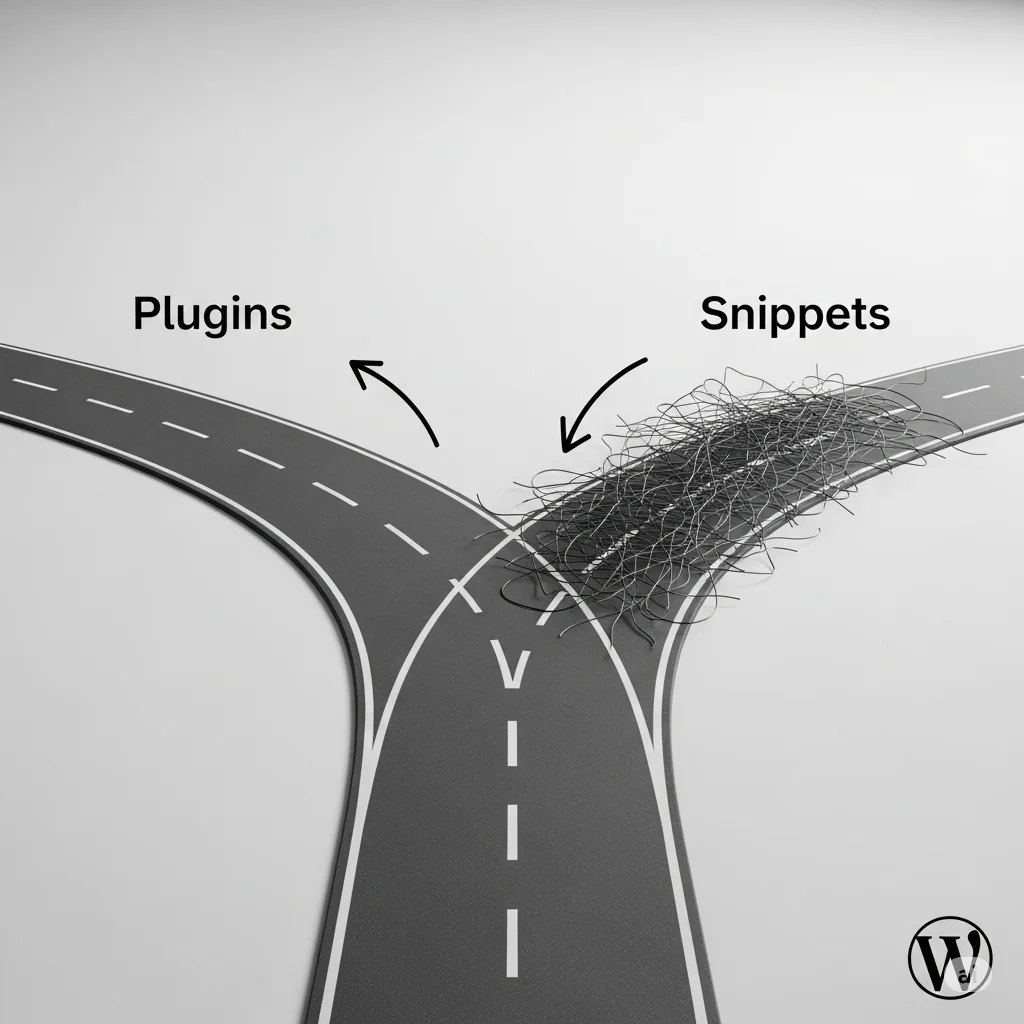
As developers, we’ve all faced this dilemma. It’s tempting to drop a snippet of custom code into a child theme’s functions.php file, the WordPress Customizer, or a snippet plugin. It’s the quick fix for a small functionality tweak.
But while a quick fix can save time now, it can lead to bigger problems down the road. The core principle of WordPress development is simple: functionality belongs in a plugin, and presentation belongs in a theme.
So, why is this best practice so important?
- Portability: Your custom functionality should be independent of your site’s design. By placing code in a plugin, you ensure it remains active and won’t be lost if you decide to switch themes.
- Superior Organization: Plugins allow for a clean, structured file system. This is far more manageable than a single, ever-growing functions.php file.
- Enhanced Safety: A bug in a child theme’s functions file can bring down your entire site. A custom plugin can be easily deactivated from the WordPress dashboard, making troubleshooting faster and safer.
- Greater Reusability: A well-made plugin is a self-contained unit that’s easy to share, distribute, and reuse on multiple projects.
- Update-Safe: Your custom code is never at risk of being accidentally overwritten during theme updates.
The lesson is simple: if the code adds functionality, put it in a plugin. Even if it’s just a single file that does one thing, you’re building a more professional, scalable, and robust foundation for your projects.
Let’s embrace best practices and build better WordPress sites, one plugin at a time.